What is ResidentBlasts?
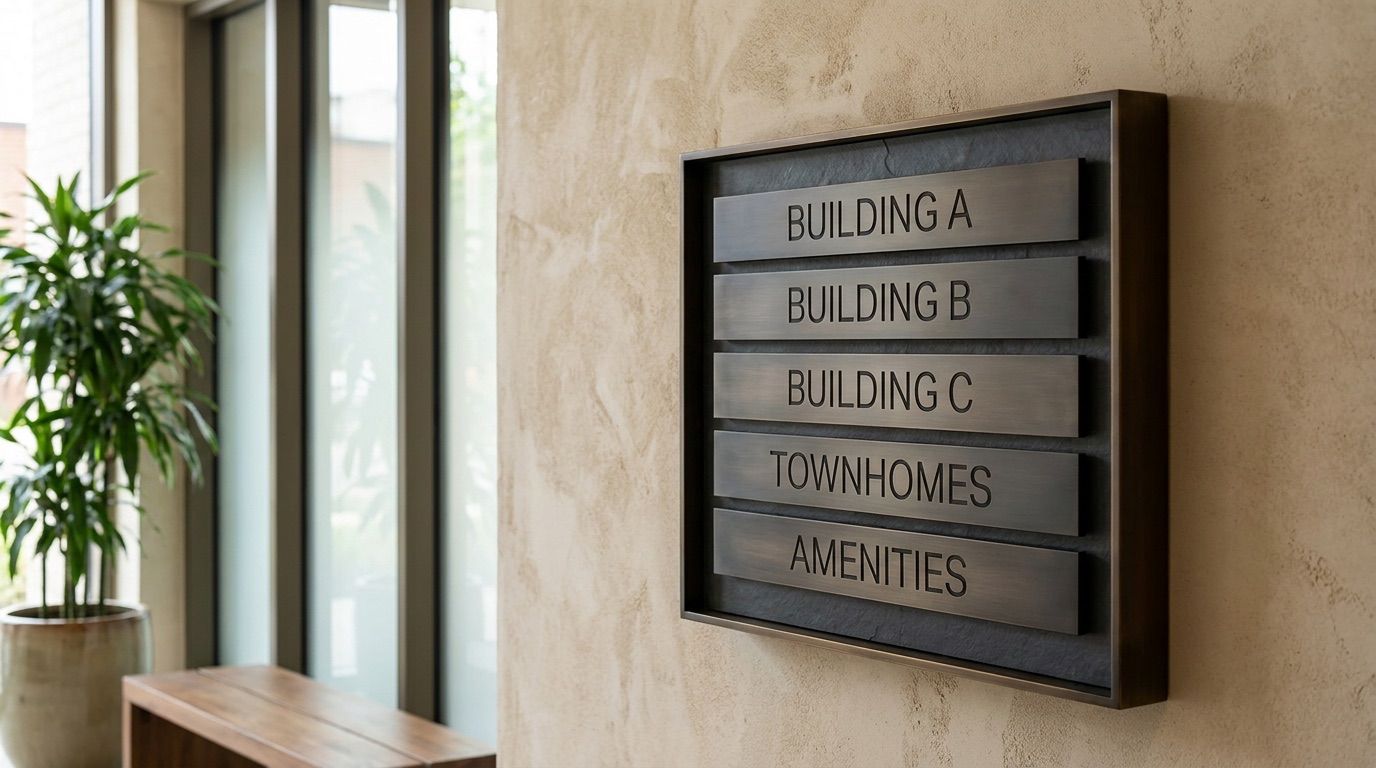
ResidentBlasts is the community front door to the Blasts Hub, for apartment and multifamily communities, condominiums, HOAs, townhome, build-to-rent and manufactured-home communities and the companies that manage them. It sends what is happening where people live to the residents it affects: a shutoff to Building B, paving to Phase 2, the pool reopening to the residents who chose Amenities, and community-wide information to All Residents. The office creates place audiences that match how the community is actually organized, residents choose the topics they want to hear about on a preferences page, and a person at the office writes each message and sends it to one place or one topic. A resident joins with an email address and receives by email until they connect the free Blasts app; then messages land on their phone. ResidentBlasts connects to no property-management, work-order, payment, lease, reservation, package or access-control system, does not know where anyone lives until the community places them, is not an emergency alert system and satisfies no legal notice requirement. It is one more direct channel, from the community to the people who live there.
What kinds of communities is this for?
Any managed residential place: apartment and multifamily communities, condominiums, homeowners associations, townhome communities, build-to-rent and manufactured-home communities, and the management companies that run several. The Hub speaks in places and topics, not in buildings: a stacked community creates buildings and floors, a horizontal one creates phases and streets, and both use the same universal topics.
Everfield Property Group, the example community on this page, is a multifamily community with three buildings and a row of townhomes. An HOA runs the same Hub with phases instead of buildings.
Does ResidentBlasts replace our property-management software?
No, and it does not pretend to. Your property-management system keeps the lease, the home, the balance and the resident record; your maintenance process keeps the work order; your portal takes the rent or the dues; your access system runs the gate. There is no connector to any of them. The Hub's doors are generic: import an opted-in resident or owner list as a spreadsheet, point a move-in form or your website at the inbound webhook, receive signed events when someone connects or replies, and ask for the Zapier app if you would rather not write code.
A person reads your system and sends the message. ResidentBlasts does not know that a work order closed, a package arrived or a lease started.
Do residents need an app?
Not to start. A resident can join with only an email address and receives every message you send to their places and topics by email through the Hub. When they install the free Blasts app and connect to your community, the Hub notices and moves normal delivery to Blasts on its own. You do not run two lists, and you do not wait for the app.
Can we start with our existing email list?
Yes, if the people on it opted in. Export the opted-in residents or owners from your property system or your newsletter tool and import the spreadsheet; they receive by email from that day, and a column for their building or phase places them at the same time. Everyone else is invited, never added. A lease is not consent to message someone here, and a purchased list never qualifies.
How do residents connect?
By joining with an email address wherever you offer it (the move-in packet, the key handoff, the onboarding form, the welcome email, the office, the notice board, your website), or by entering your enrollment code in the Blasts app. Entering the code creates a connection request that you accept on Residents, unless you turn on auto-accept, in which case they are connected the moment they join. Move-in is the natural moment to offer it, not a requirement; a resident who joins later gets the same connection.
Can we send only to one building, one floor or one phase?
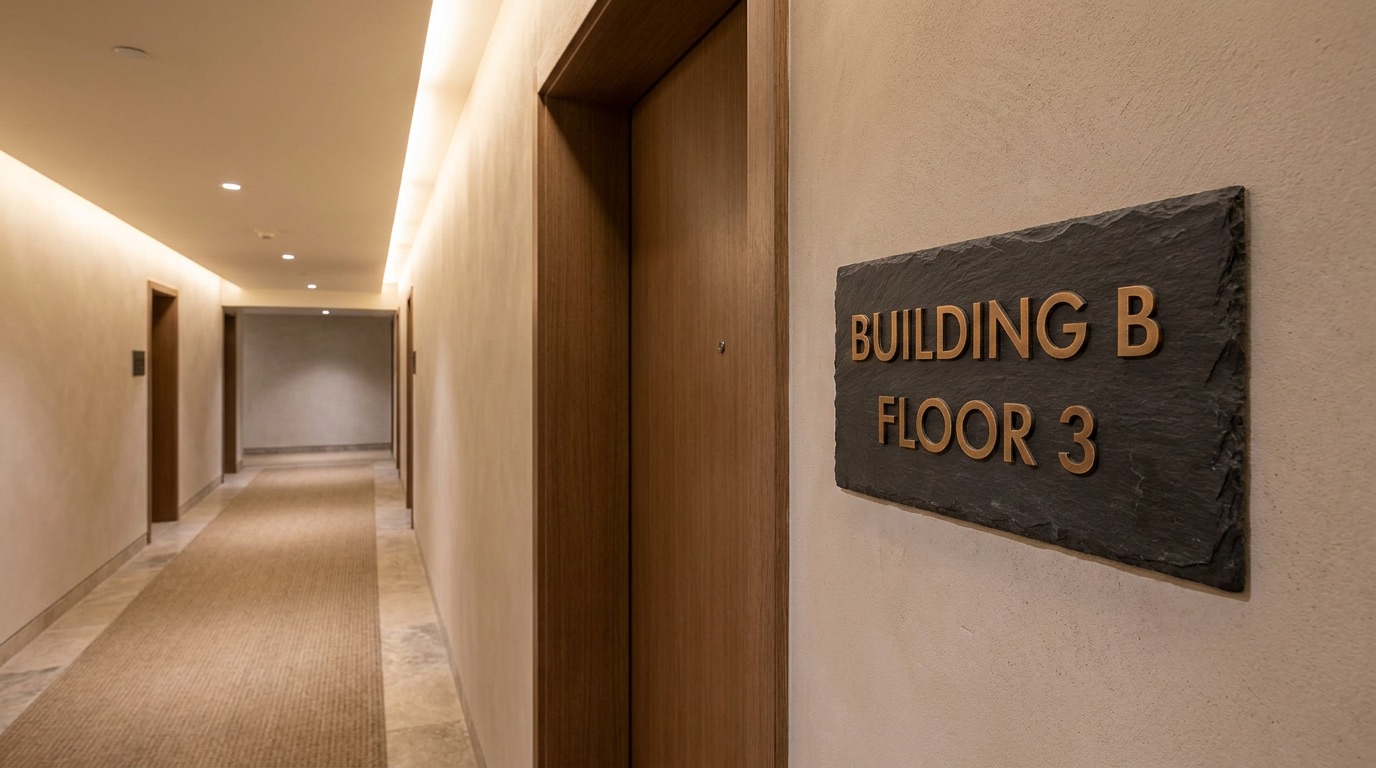
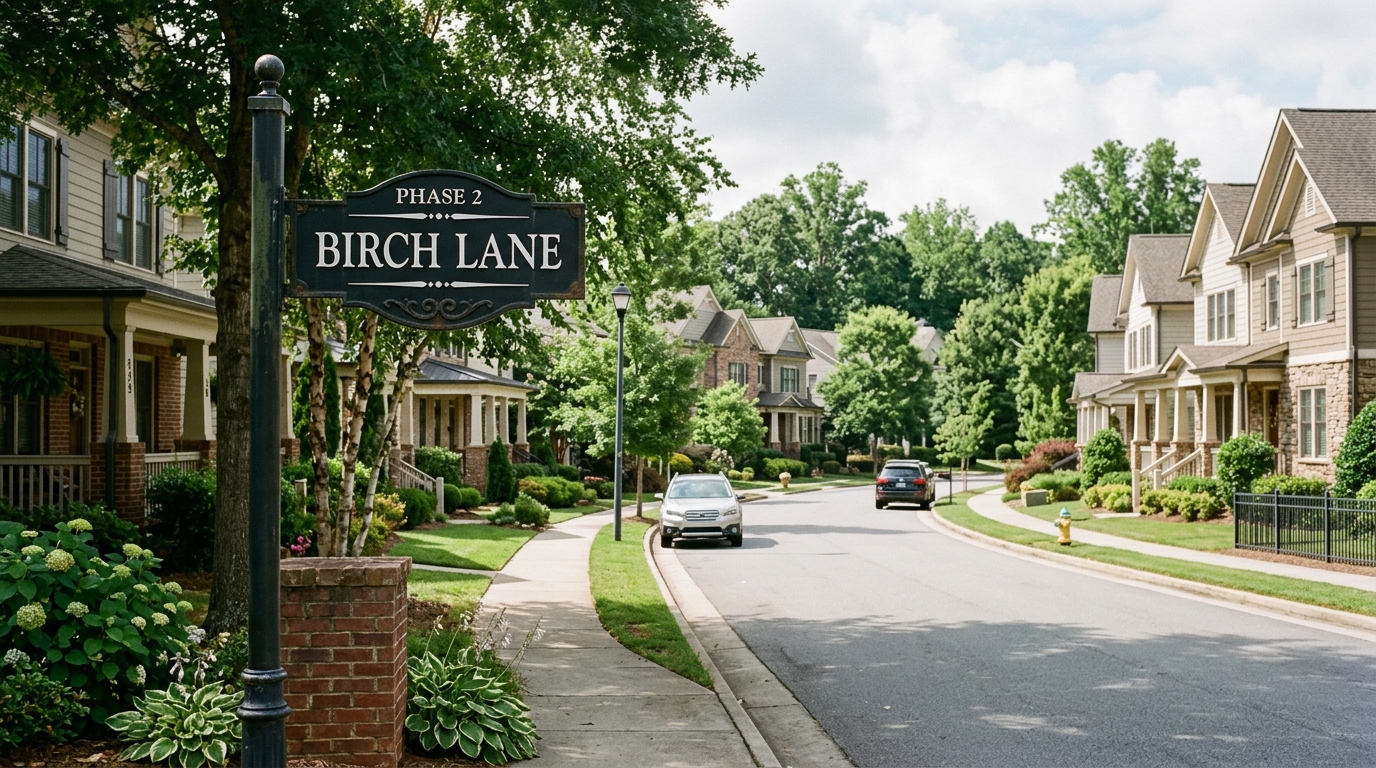
Yes, and that is the point. Create a place audience for each part of the community you would send to on its own (Building B, Floor 3, Phase 2, Birch Lane, East Neighborhood), nest a floor inside its building or a street inside its phase, and send the notice to the place it concerns. Sending to All Residents asks for a step-up confirmation first, which keeps the community-wide send rare enough that residents still read it.
Does the Hub know where a resident lives automatically?
No. ResidentBlasts reads no property records, no lease and no unit list. A resident is in Building B because the office placed them there (Bulk assign, or a column on the import) or because you left Building B open and they chose it on their preferences page. That is deliberate: the value is the communication model, not hidden property intelligence.
Can residents choose what they hear about?
Yes. The universal topics (Maintenance & Property Notices, Amenities, Community Events, Parking & Access and, where it applies, Owner & Association Updates) and any open place audience appear on each resident's preferences page, and they tick what they want. All Residents is not a choice: community-wide information always comes through. Residents can also set quiet hours, mute the office for a day, or disconnect without telling anyone.
Can we use it for maintenance notices?
Yes: planned utility work, a shutoff and the all-clear, an inspection window, a vendor on site, grounds work, and a technician who needs to enter with a YES or NO reply for the time. A person writes each one after looking at the schedule or the work order. The written entry notice your lease requires still goes out the usual way, and the Hub holds no work order and cannot see one close.
Can we use it for emergencies?
As one more channel, not as the system. ResidentBlasts is not an emergency alert system: no siren, no reverse-911 and no guaranteed delivery. Weather preparation, a boil-water notice from the utility and an urgent property situation are legitimate things to send to the place they concern, beside the life-safety procedure the community already publishes, and the message should say where official instructions come from.
Does it satisfy legal notice requirements?
No. An entry notice, a habitability notice, an association meeting notice and anything else the lease, the bylaws or the law require still go out in the form and on the timeline they require. A message from the Hub sits beside them so residents actually see them; it is not notice of record, and a read count is not service of notice.
Can board members or maintenance staff send?
Yes, with roles. A maintenance manager is a Leader granted Maintenance & Property Notices and the places; a board secretary is a Leader granted Owner & Association Updates; an on-site manager is granted their own community's audiences; a bookkeeper is a Viewer. Each Leader sends to, and reads replies from, only what they are granted, and only an admin reaches All Residents. A new community starts with approval off; turn it on if an administrator should review Leaders' sends first.
What happens when a resident replies?
The reply lands in Conversations, one inbox the office shares, on whichever rail the resident uses. Assign it to the person who should answer, keep private staff notes the resident never sees, and enter anything that needs doing where it actually lives. A reply is a conversation, not a work order.
Can it track maintenance requests?
No. The Hub is not a maintenance-ticketing system and does not hold your work orders. When a resident says Tuesday does not work for the technician, somebody still opens or changes the request in your maintenance process. ResidentBlasts carries the conversation around the request; your system keeps the request.
How do Journeys work?
A Journey is a sequence each resident receives on their own timing, starting the day they connect or you add them. The New Resident Welcome starter runs five notes over three weeks: what can reach them here, the kinds of property notices, choosing topics, where things get done, and their own control. The Hub does not know when anyone moved in; you offer the connection at move-in and add the resident, and the sequence runs from that day.
What is a Community Project campaign?
An Event Campaign built around one dated piece of work in one part of the community: paving, painting, roofing, landscaping, utility work, a pool renovation, entrance work. Set the date once and six messages go to the place it concerns, from the announcement two weeks out to an update the day after that stays true whether the work finished or continues. A person writes what is actually happening at each step; the Hub holds no schedule and no completion state.
What does it cost?
Hub setup is free and there is no subscription. A typed Blast to one resident is one credit, whatever it contains; credits are prepaid on BlastCredits at standard pricing. Email to residents still on email is metered separately in email credits, and every new Hub includes 50. Hub Pro, which adds Journeys and Event Campaigns, unlocks at $500 in cumulative credit purchases tied to your community; normal sending never waits on it.
Do credits expire?
No. Blasts credits are bought as one-time deposits and never expire, so a deposit before a capital project or a storm season is still there next year. Nothing bills in a quiet month.
Where is the documentation?
The community version of the Hub documentation is at blastshub.com/en/docs/for/resident/, written in places, topics and residents. The shared Hub documentation is at blastshub.com/en/docs/, and Blasts itself is documented at blasts.app.